
Your shopping cart is empty!

 888-670-6790English & Spanish
One question we hear all the time is:
"My file is 300 DPI. Why isn't it good enough for printing?"
This is probably one of the biggest misunderstandings about print artwork.
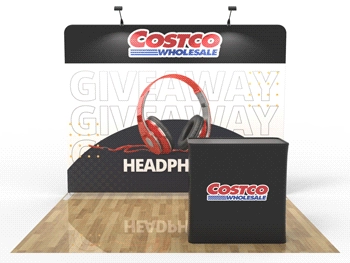
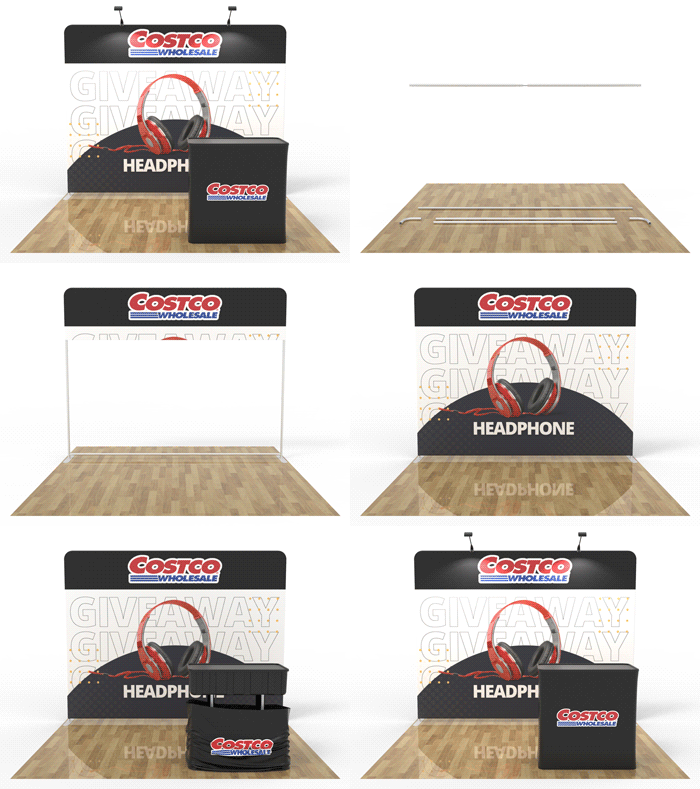
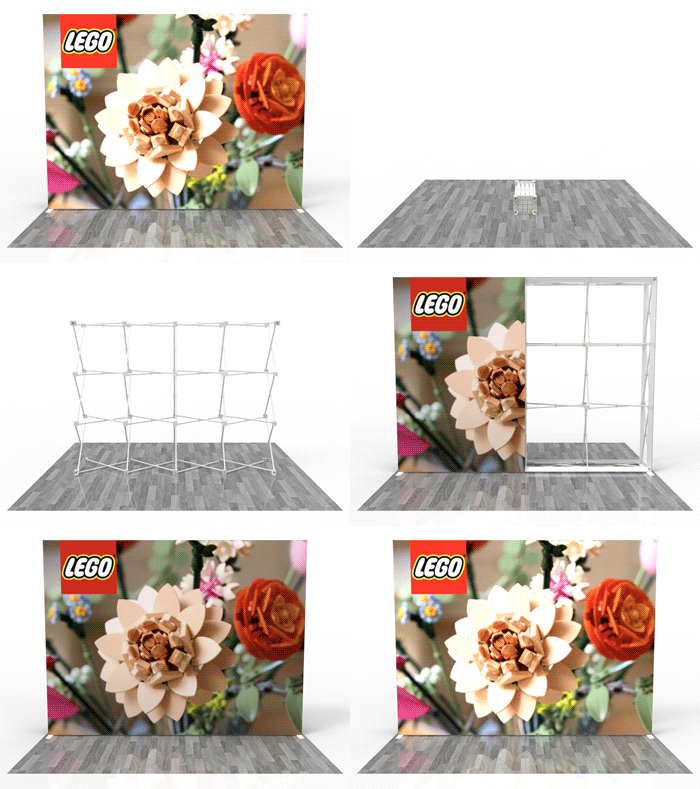
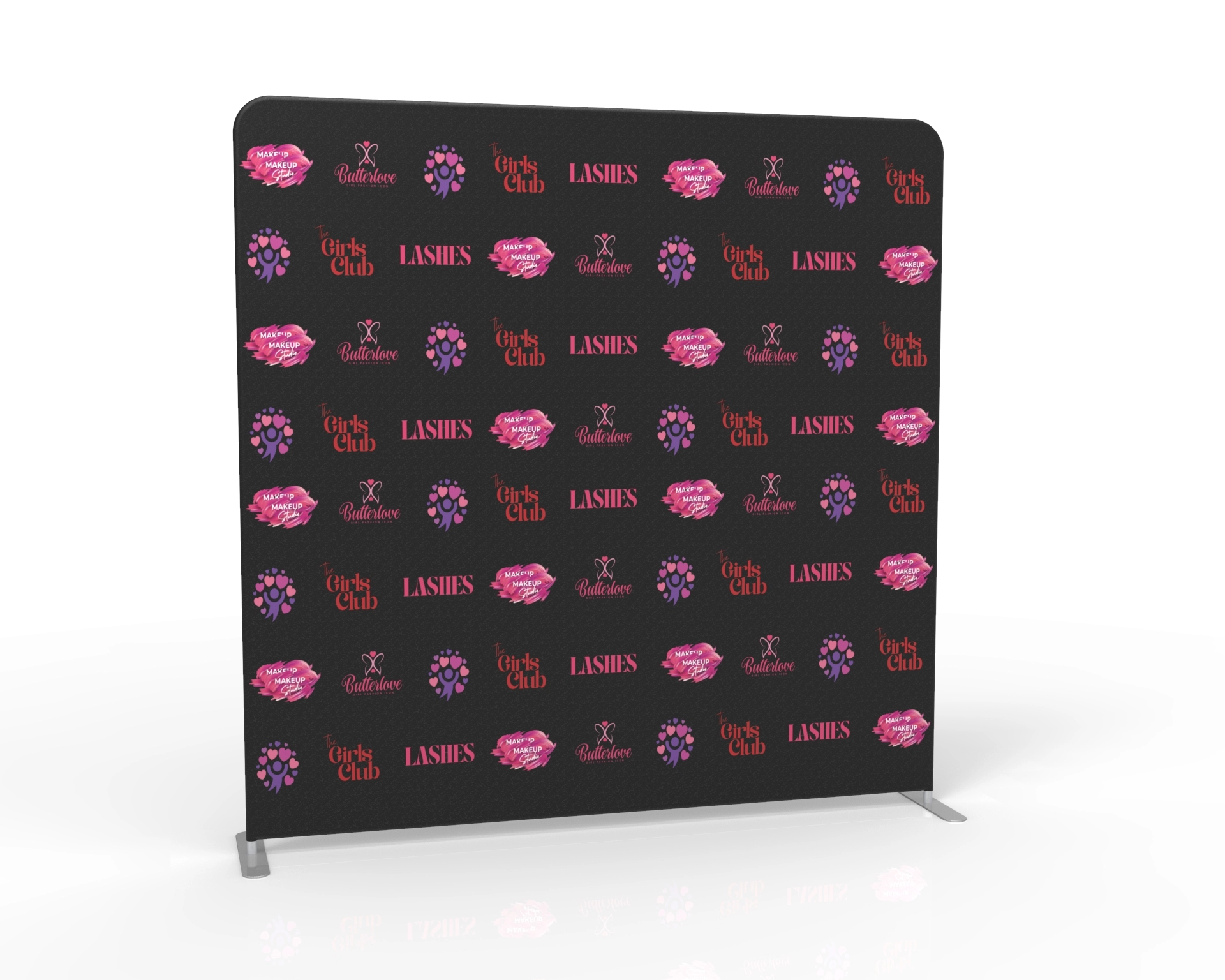
A few days ago, a customer sent us a TIFF file for a trade show backdrop. The file was 300 DPI, so at first it seemed fine.
After checking the file, we found the artwork was only 20 × 10 inches. The customer wanted to print it as a 20 × 10 foot backdrop.
That's where the problem was.
The file was 300 DPI, but it simply wasn't created at a size large enough for the final print. Once the image is enlarged that much, it starts to lose detail and the background becomes blurry.
We see this quite often.
Many people think that as long as a file says 300 DPI, it's ready to print at any size. In reality, DPI is only one part of the equation. The actual size of the artwork and the number of pixels are just as important.
Imagine taking a small photo on your phone.
It looks nice on the screen.
Now zoom in ten times.
What happens?
The image becomes blurry because your phone can't create details that weren't there in the first place.
Large-format printing works exactly the same way.
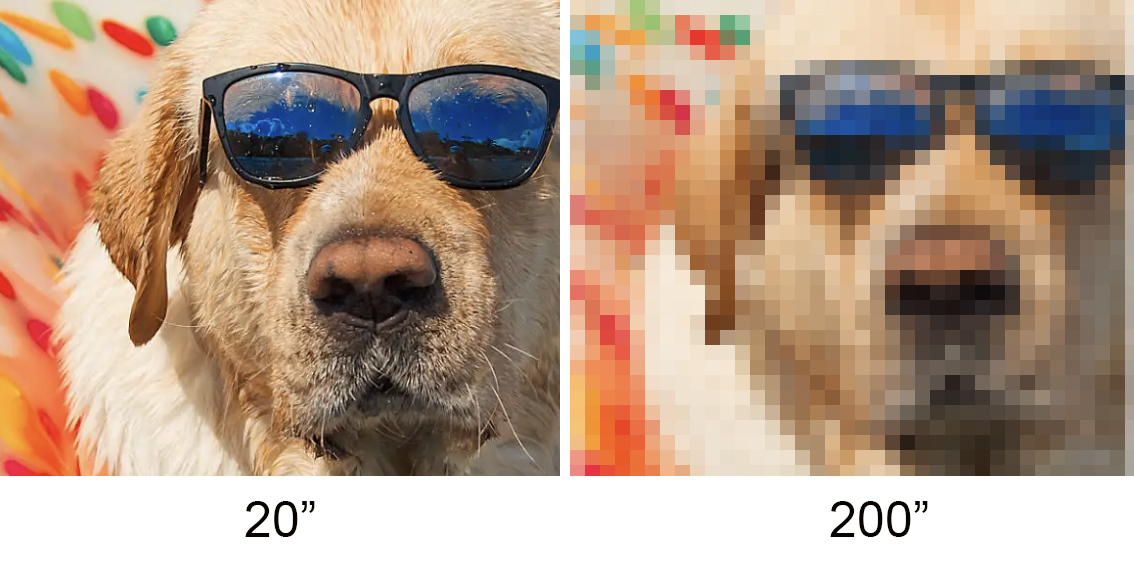
That's why we always check artwork before printing.
For every backdrop or banner, we look at:
—not just the DPI.
If your artwork isn't suitable, don't worry. Most of the time we can still help.
For example, instead of rebuilding everything, we may only ask for the original background image without the text or logo. Using the original image usually gives us much better results than trying to enlarge a finished artwork.
If you're not sure whether your file is ready for printing, just send it over. We'd rather check it first than have you end up with a blurry backdrop.
Sophia



















Comments (0)