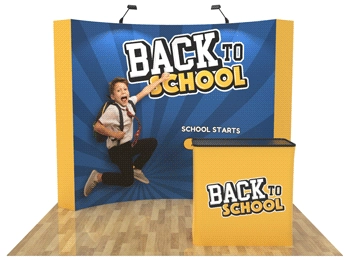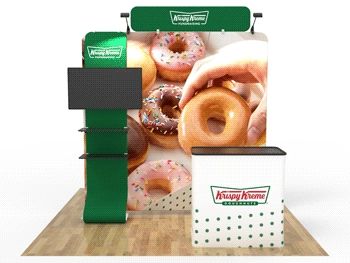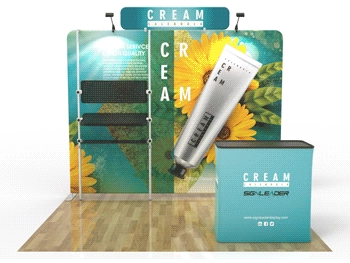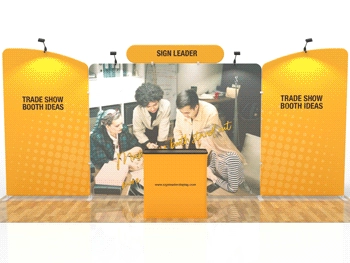
-
Select the product you are interested in purchasing. On the product page underneath the images, there is a Templates tab that will show you the artwork templates we have available for the product. Select the PDF or PNG artwork template and download it. Download the PDF template for designing your artwork in AI Illustrator, and the PNG template for designing your artwork in Photoshop.
-
If you prefer to design your artwork in Canva, please email us at sales@signleaderdisplay.com and we will share a Canva link with you that has the artwork template(s) ready for you to begin putting your design together. Our designer is able to see any adjustments being made to the artwork in live time so if you have any questions or concerns with designing your artwork, you can always email us and our designer will be happy to help you anyway that they can.
-
Before you start designing, please review our Design Template Guidelines PDF to ensure all important elements of your artwork design stay within the safe area. The Guidelines PDF can be found under the Templates tab where it says "Click the PDF for Full Design Guidelines".
-
You can always send us your artwork via email at sales@signleaderdisplay.com anytime and our design team offers free artwork checks and basic guidance to help you make sure that your artwork is fully print-ready. Be sure to mention the product(s) you are interested in purchasing so we know exactly which template needs to be used to check your artwork.
Q
What do I do if I don't know how to design the artwork for the custom flag?
There are several options on how to properly design your artwork:
Q
Can I purchase several or more flags using the same design?
Yes, Please choose the quantities you need before payment. If all the flags are the same shape and size, buy once and use a design tool to send or design artwork. Different shapes and sizes must place orders separately.
Showing 1 to 2 of 2 (1 Pages)